
Nurses · problem and fix
IV drip rate calculation formula: how to get gtt/min on Mac for nurses in 2026
To get gtt/min for a gravity IV, multiply the total volume in mL by the drop factor in gtt/mL, then divide by the total time in minutes. Write it as gtt/min = (mL × gtt/mL) ÷ minutes, and convert hours to minutes first. This page covers the math, the mistakes that produce wrong rates, and checks you can do on a Mac for free.
The short answer
- gtt/min = (volume in mL × drop factor in gtt/mL) ÷ time in minutes for gravity sets.
- Convert hours to minutes before you divide. Skipping that step makes the rate 60 times too high.
- Read the drop factor from the tubing package each time. Do not guess it or reuse one from another set.
- Smart pumps reduce programming errors. They do not replace the gtt/min math on a gravity set.
- Check the answer against the drip chamber, and follow your facility's double-check policy.
What calculating gtt/min drip rates costs you
A rate that is off by 60 times
A rate that is too high can push fluid faster than the order allows. A rate that is too low can leave the patient under-treated. The 60 times error from skipping the minute conversion is the extreme case. The research we could open does not measure how often hand calculations lead to harm, so this page does not quote a harm rate.
Interruptions and medication errors
In one observational study of 204 nurses, 90.8% of nurses who reported interruptions made at least one medication administration error. Among nurses who were not interrupted, 61.9% did. The authors describe an association, not proof that interruptions caused the errors. The paper reports the interrupted share in two different ways, so cite its error rates with care.
Pump programming errors
A systematic review of 12 publications found programming error rates of 10% to 40.1% for conventional infusion pumps. For smart pumps, the range was 0.3% to 14%. These numbers cover pump programming, not the gtt/min math on gravity sets. They still show that programming mistakes are common enough to plan for.
Turnover and the cost to replace an RN
NSI's 2026 report puts staff RN turnover at 17.6% for 2025, up 1.2 percentage points from 2024. A news article citing NSI puts the cost of replacing one bedside RN at $60,090. NCSBN's 2024 workforce study found 39.9% of RNs intend to leave or retire within five years. Short-staffed units have fewer people to double-check each rate.
Your time at the bedside
Rechecking a rate, recounting drops, and looking up a drop factor all take minutes. Those minutes compete with patient care, documentation, and breaks. A quick check takes less time than correcting an infusion that ran at the wrong rate.
Why it happens
Hours and minutes get mixed up
The formula needs minutes in the denominator. Orders often read in hours, and the hour number slides straight into the division. That one swap makes the rate 60 times too high. The fix is a written step that converts hours first, every time, before any multiplying or dividing.
The drop factor is guessed
Gravity sets come in different drop factors. One drip calculator lists 10, 15, 20, and 60 gtt/mL, plus custom factors. If you assume 20 for every set, every answer shifts when the tubing is different. The number on the package is the only reliable source.
Interruptions during the calculation
The observational study of 204 nurses links interruptions with medication administration errors. A call, a bed alarm, or a question can break your place in the math. The study shows an association, not cause. Still, restarting the calculation after an interruption is a sensible habit.
Rounding too early
Rounding 41.67 down to 40 before you count changes the rate. Small early rounding adds up over a long infusion. Do the division in full, then round once to the number your policy allows.
Workload and staffing
The workforce data show strain. NCSBN found 39.9% of RNs intend to leave or retire within five years. Among nurses planning to leave within five years, excluding retirement, about 41.5% cite stress and burnout as the root cause. A second check is easy to skip when the unit is short.
Trusting a tool without checking inputs
A calculator answers whatever you type. If you enter the wrong volume or drop factor, the answer looks clean and is still wrong. The Goterum listing says it is not verified for macOS, and our research found no clinical validation. Check the inputs before you trust the output.
How to fix it
These work with or without any app.
Write the formula with units
On paper, write gtt/min = (mL × gtt/mL) ÷ min. Put a unit beside each number. If the units do not cancel down to gtt/min, stop and recheck. This costs nothing and catches the hour mistake before it reaches the drip.
Use dimensional analysis for hourly orders
For an hourly order, set it up as (mL/h × gtt/mL) ÷ 60 min/h. The hours cancel, and what is left is gtt/min. Work 125 mL/h on a 15 gtt/mL set this way: 125 × 15 ÷ 60 = 31.25 gtt/min.
Read the drop factor from the package every time
Look at the set's package or the printed tubing label. Write the number on your worksheet. Do not reuse a factor from a different set or from an earlier shift. If the package is missing, ask your charge nurse or pharmacy before you start.
Run a plausibility check
Divide the volume by the minutes to get mL per minute. Multiply that by the drop factor. The result should match your gtt/min. For 1,000 mL over 480 minutes, that is about 2.08 mL/min, and about 42 gtt/min on a 20 gtt/mL set. A result near 2,500 tells you to stop and recheck.
Count the drip chamber against your number
Use a watch and count drops at the chamber for one full minute. Adjust only as your policy allows. A count far from your calculated rate means the set, the clamp, or the math needs another look before you walk away.
Use Calculator as a cross-check
Press ⌘ Space, type Calculator, and press Return. Type each step in order: volume, then × drop factor, then ÷ minutes. Compare the result with your paper answer. If they differ, find the step where they split.
Ask for a second check when policy requires it
A second person should recalculate from the order and the set, not from your number. Ask them to work it separately. Two independent answers catch more slips than one answer read twice.
Practice with de-identified orders
Use de-identified orders from your unit and work them until the steps feel automatic. Practice on a quiet shift, not in the middle of a rush. A calm practice session builds the habit you need when the unit is busy.
Know when a pump changes the job
If the order is in mL/h on a pump, the pump does the drop math, and your job is to program it correctly and check the display. Smart pumps reduce programming errors but do not remove them. Still compare the displayed rate with the order.
Follow your facility's rules first
Your employer's policies on calculators, double checks, and patient data override any tip on this page. Ask your charge nurse or educator which tools are approved. Record the rate in the chart the way your unit requires.
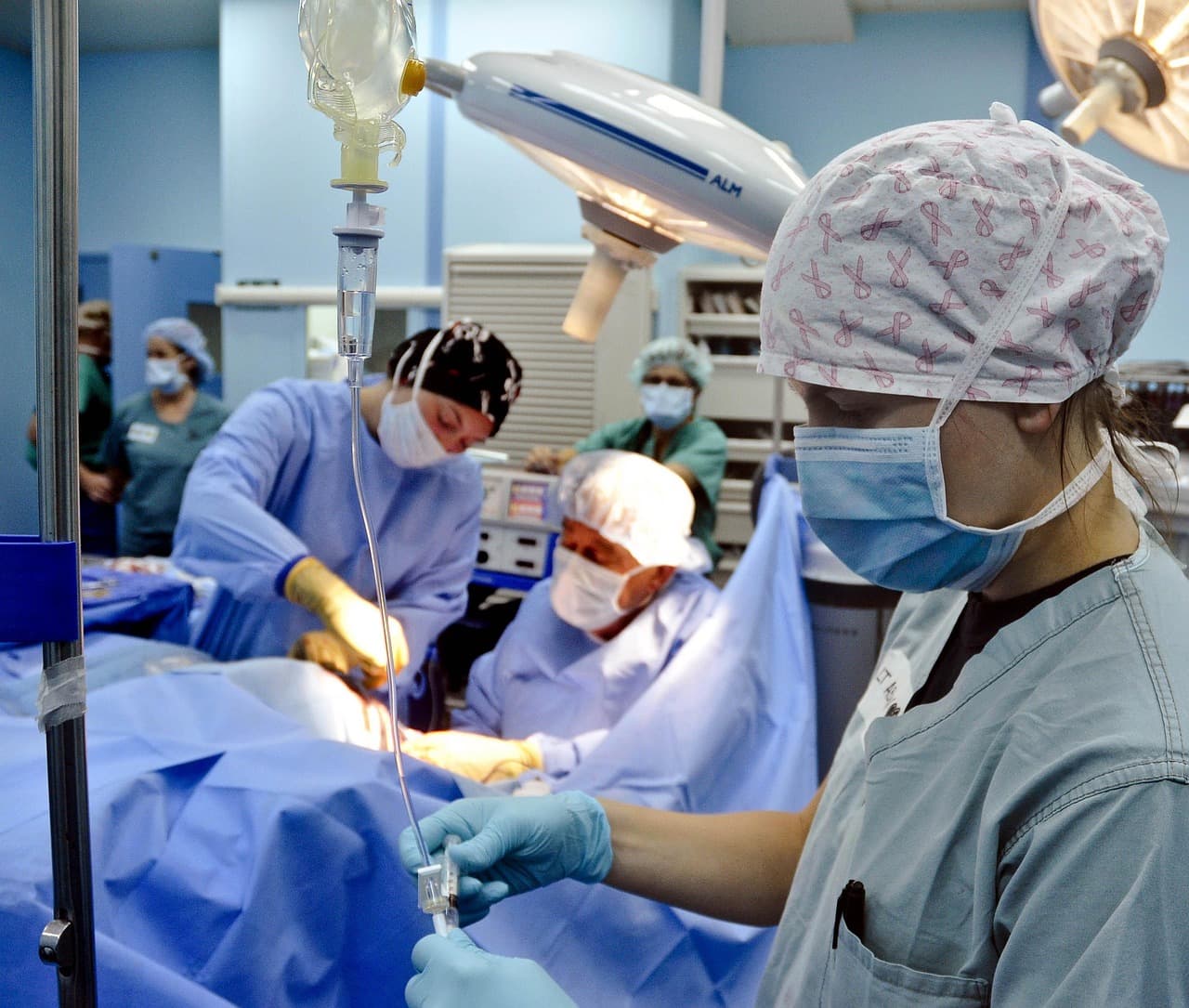
The IV drip rate formula for gravity sets
The formula for a gravity IV is gtt/min = (total mL × drop factor) ÷ total minutes. Use drops per minute because that is what you count at the drip chamber. The drop factor, written gtt/mL, is the number of drops that make 1 mL in your tubing. You read it from the set's package, not from memory.
Each part has one job. Volume times drop factor gives the total drops for the bag. Dividing by minutes spreads those drops across the time the order allows. Shortcuts that skip a unit are where most bad rates start.
Drop factors vary by set. Goterum, a drip calculator on the App Store that is free with in-app purchases, lists 10, 15, 20, and 60 gtt/mL, plus a custom option. Your unit may stock other sets. The number on the package wins over any list, including this one.
| Drop factor (gtt/mL) | Total drops for 1,000 mL | Rate over 8 hours (gtt/min) |
|---|---|---|
| 10 | 10,000 | 20.8, round to 21 |
| 15 | 15,000 | 31.25, round to 31 |
| 20 | 20,000 | 41.7, round to 42 |
| 60 | 60,000 | 125 |
Many orders read in mL/h. The same idea works with the hour built in. Use gtt/min = (mL/h × gtt/mL) ÷ 60. Take 125 mL/h on a 15 gtt/mL set. Multiply 125 by 15 to get 1,875. Divide 1,875 by 60 to get 31.25, or about 31 gtt/min.
Worked example: 1,000 mL over 8 hours
Say the order reads 1,000 mL of IV fluid over 8 hours, and the set is 20 gtt/mL. Start with the time. 8 hours is 480 minutes, because 8 × 60 equals 480. Next, multiply the volume by the drop factor. 1,000 × 20 gives 20,000 drops. Then divide 20,000 by 480. The answer is 41.67 gtt/min, which rounds to 42.
- Write down the volume, the time, and the drop factor first.
- Convert hours to minutes. 8 hours is 480 minutes.
- Multiply the volume by the drop factor. 1,000 × 20 = 20,000 drops.
- Divide by the minutes. 20,000 ÷ 480 = 41.67 gtt/min.
- Round the way your policy says, then count the drip chamber against your number.
The error that makes a drip 60 times too fast
The most common error skips the hour-to-minute step. If you divide 20,000 by 8 instead of 480, you get 2,500 gtt/min. That is 60 times the correct rate. A big number like that is easy to miss when you are rushing. Before you set the rate, check that the answer makes sense for the volume and the time.
A second mistake starts with the tubing. Using a 20 gtt/mL factor on a 60 gtt/mL set changes the rate by a factor of three. The bag does not show the drop factor. The tubing package does. Read it again each time the set changes.
Rounding causes smaller errors. If you round 41.67 down to 40 before you count, the rate drifts. Do the division in full first, then round once at the end, in the way your policy allows.
Pumps, smart pumps, and gravity sets
This formula is for gravity drips. Pumps usually take a mL/h rate, so the pump does the drop math. A systematic review of 12 publications found programming error rates of 10% to 40.1% for conventional pumps and 0.3% to 14% for smart pumps. A meta-analysis of two studies found a 51% lower relative risk of programming errors with smart pumps.
90.8%
of nurses who reported interruptions made at least one medication administration error, versus 61.9% without interruptions
Association of medication administration errors with interruption among nurses in public sector tertiary care hospitals10% to 40.1%
programming error rate range for conventional infusion pumps, across 12 publications in a systematic review
Handling errors in conventional and smart pump infusions: A systematic review with meta-analysis0.3% to 14%
programming error rate range for smart pumps in the same systematic review
Handling errors in conventional and smart pump infusions: A systematic review with meta-analysis17.6%
staff RN turnover in 2025, from the 2026 NSI report as covered by a news article
2026 NSI Report: RN Turnover Hits 17.6%, 158,600 RN Positions Sit EmptyThose numbers describe programming errors, not hand math. Smart pumps reduce errors. They do not remove them. They also do not replace the gtt/min calculation on a gravity set, so keep your own check either way.
No study we could open measures how often nurses get gtt/min wrong by hand. That gap matters. You cannot quote a true error rate for hand calculation. Your own check is the safeguard, not a statistic.
Checking the math on your Mac
You do not need a paid app for a second check. Press ⌘ Space, type Calculator, and press Return. Enter 1000 × 20 ÷ 480 and compare the result with your paper answer. Then count the drip chamber for a full minute with a watch.
Goterum's App Store listing says it needs macOS 11.0 or later with an Apple M1 chip or later. The same page says it is not verified for macOS. We did not find clinical validation for it. Read the listing yourself, and check your facility's rules before you rely on any app.
Patient data and your employer's rules
Do not type patient names, record numbers, or room details into a calculator app, a chat tool, or Lazur unless your employer allows it. Lazur listens and looks at the screen only while you hold the shortcut. It sends audio and a screenshot to AI providers to answer. Those are not stored. Your facility's policy still decides what you share.
A quick routine for every drip rate
- Read the order and write down the mL and the hours.
- Read the drop factor from the set in your hand.
- Convert hours to minutes before any division.
- Compare the answer with the mL per minute and the drop factor.
- Count the drip chamber for a full minute and compare.
- Have a second person check any rate that looks unusual, as your policy requires.
Practice this on paper before a shift, not during one. Pick real orders from your unit with patient details removed. Work each one by hand, then in Calculator. If the answers match, the routine works. If they do not, slow down and find the step that differs. If you keep a handoff sheet, see Word for nurses on Mac.
Faster with Lazur
Where Lazur helps with calculating gtt/min drip rates
Hold ⌥ ⌘ and say what you want. Lazur sees your Chrome window. Lazur looks at your screen and answers out loud.
- 1
Hold ⌥⌘ and talk
- 2
Lazur looks at your screen and answers out loud.
- 3
You stay in Chrome. Nothing to copy into a chat window.
More things to say in Chrome
- “Hold ⌥ ⌘ and ask: why do I divide by minutes?”
- “Hold ⌥ ⌘ and ask where the total volume is on this order screen.”
- “Hold ⌥ ⌘ and say: walk me through Calculator for this rate.”
- “Hold fn and dictate your second-check note.”
- “Ask Lazur to draft a note to my charge nurse asking for a second check.”
- “Set a one minute timer.”
Free for 3 days, then $18/month. Download for Mac
You say“What is the drip rate for 1,000 mL over 8 hours on a 20 drop set?”
Lazur · explains what's on screenExample reply, not a live test: multiply 1,000 by 20, divide by 480 minutes, and get about 42 gtt/min. Check it against the order.
What nurses say to Lazur for this
Each one is a single hold of ⌥ ⌘.
“Hold ⌥ ⌘ and ask: why do I divide by minutes?”
Lazur answers out loud and walks through the units one step at a time. It explains the math. You still check the numbers against the order.
Explains what's on screen
“Hold ⌥ ⌘ and ask where the total volume is on this order screen.”
Lazur draws a circle and a label around the matching field on your screen. It points. It does not type or click for you.
Points at it
“Hold ⌥ ⌘ and say: walk me through Calculator for this rate.”
Lazur guides you one click at a time and waits for each click. You do the clicking, so you see each step.
Walks you through it
“Hold fn and dictate your second-check note.”
Hold fn to dictate clean, formatted text at the cursor in any app. Review the words before they go in the chart, and follow your facility's charting rules.
Types what you say
“Ask Lazur to draft a note to my charge nurse asking for a second check.”
Lazur drafts the text. You read it and send it yourself. Keep patient identifiers out of the draft.
Drafts it
“Set a one minute timer.”
Lazur sets timers by voice. A one-minute timer helps you count drops at the chamber without losing your place.
Handles the small stuff
A plan you can start this week
- Day 1
Learn the formula
Write gtt/min = (mL × gtt/mL) ÷ minutes on an index card. Work two orders by hand, converting hours to minutes first. Keep the card with you for the week.
- Day 2
Read every drop factor
Pull the tubing package for each set your unit uses. Write each drop factor on your card next to the set name. Check the package again whenever a new set arrives.
- Day 3
Practice hourly orders
Convert mL/h orders with (mL/h × gtt/mL) ÷ 60. Use de-identified orders from your unit. Check each answer with the mL per minute method so you see both paths agree.
- Day 4
Cross-check on your Mac
Work one order on paper, then in Calculator, opened with ⌘ Space. Count the drip chamber for a full minute. Note any gap and find the step that caused it.
- Day 5
Confirm your unit's rules
Ask your charge nurse or educator for the double-check policy and the approved tools. Record the rate in the chart the way your unit asks. Keep patient details out of practice notes.
Questions people ask
What is the IV drip rate formula for gtt/min?
For a gravity IV, gtt/min equals total mL times the drop factor in gtt/mL, divided by total minutes. Convert hours to minutes before you divide. Round only at the end, as your policy says, and check the answer at the drip chamber.
How do I calculate gtt/min from an hourly rate?
Use (mL/h × gtt/mL) ÷ 60. For 125 mL/h on a 15 gtt/mL set, multiply 125 by 15 to get 1,875, then divide by 60. The answer is 31.25, or about 31 gtt/min.
What is a drop factor?
The drop factor is the number of drops that equal 1 mL in a specific IV set. It is printed on the tubing package. One drip calculator lists 10, 15, 20, and 60 gtt/mL, plus a custom option.
Is there a free Mac app for IV drip rates?
Goterum is a free App Store drip calculator with in-app purchases. Its listing requires macOS 11.0 or later with an Apple M1 chip or later, and it says it is not verified for macOS. Check the App Store page and your facility's rules before you rely on any app.
Does Lazur calculate drip rates for me?
Lazur can explain the formula out loud, point at fields on your screen, and guide you through Calculator one click at a time. It does not click buttons or operate other apps for you. You still check every rate against the order and the set.
Do smart pumps calculate gtt/min for gravity sets?
No. Smart pumps address programming errors on pumps. A systematic review found programming error rates of 10% to 40.1% for conventional pumps and 0.3% to 14% for smart pumps. Gravity sets still need the drop math and a check.
What should I do if my answer does not match the drip chamber?
Stop and recheck the volume, the time, the drop factor, and the minute conversion. Count the chamber for a full minute. If the gap remains, follow your facility's policy and ask your charge nurse or a second nurse before you adjust.
Is there a free trial of Lazur?
Lazur has a Pro trial that needs no credit card. The trial starts when you first open the app. See pricing for current plan details.
Sources
- Association of medication administration errors with interruption among nurses in public sector tertiary care hospitals · PubMed Central (NCBI) · checked 2026-11-07
- Handling errors in conventional and smart pump infusions: A systematic review with meta-analysis · Revista da Escola de Enfermagem da USP (SciELO) · checked 2026-11-07
- NCSBN Research Highlights Small Steps Toward Nursing Workforce Recovery; Burnout and Staffing Challenges Persist · NCSBN · checked 2026-11-07
- 2026 NSI Report: RN Turnover Hits 17.6%, 158,600 RN Positions Sit Empty · The Nursing Directory (secondary coverage of NSI report) · checked 2026-11-07
- Goterum: IV Drip Calculator - App Store · Apple App Store · checked 2026-11-07
Fix calculating gtt/min drip rates with Lazur, free for 3 days
Hold a key and ask. Lazur sees your screen, points at the button and talks you through it, in any Mac app. No credit card.