
VS Code · for software qa testers
Using vs code for software qa testers on mac: setup, shortcuts and bug reports in 2026
VS Code works well for software QA testers on Mac, as long as you add a testing extension for your language. The editor runs natively on Apple silicon and Intel Macs, but it does not run tests by itself. This guide covers setup, the shortcuts that save time, debugging a failing test, coverage, and where Lazur fits.
You say“Lazur, where is Test Explorer in VS Code?”
Lazur · points at itLazur circles the Testing view in the sidebar and labels it, so you can open Test Explorer next.
Quick answer
- Install the testing extension for your language first. Test Explorer and gutter run buttons depend on it, not on VS Code alone.
- Learn ⇧⌘P and ⌘K ⌘S early. Most test commands sit behind the Command Palette, and shortcuts live in the Keyboard Shortcuts editor.
- Debug a failing test with a breakpoint before you file a bug. The state at that line usually shows whether the code or the test is wrong.
- Lazur points, explains and drafts text. It does not click buttons or run your tests.
Up to 82%
of testers still use manual testing in their day-to-day work, per Katalon's blog
Test Automation Statistics & Trends for 2025: Katalon55%
of respondents cite insufficient time for thorough testing as a top challenge
Test Automation Statistics & Trends for 2025: Katalon56%
of QA teams still struggle to keep up with testing demands
State of Software Quality Report 2025: Katalon1.4x
how much more likely happy testers are to adopt automation than unhappy testers
State of Software Quality Report 2025: KatalonWhat software qa testers ask Lazur in VS Code
Hold ⌥ ⌘ in VS Code and say it.
“Lazur, where is Test Explorer in VS Code?”
Lazur circles the Testing view in the sidebar and labels it, so you know where to click.
Points at it · VS Code
“Walk me through running one failing test.”
Lazur guides you one click at a time and waits for each click before the next step.
Walks you through it · VS Code
“What does this assertion error mean?”
Lazur reads what is on screen and explains the error out loud in plain words.
Explains what's on screen · VS Code
“Dictate the steps for this bug into the ticket.”
Hold fn and speak. Lazur types clean, formatted text at the cursor in the ticket.
Types what you say · VS Code
“Draft a bug report from the notes I typed.”
Lazur drafts the report from your notes. You check the facts before you file it.
Drafts it · VS Code
“Research how teams set coverage goals for Python tests.”
Lazur runs the search in its own Chrome tabs and returns a summary with a report.
Researches in the background · VS Code
“Set a timer for this test run.”
Lazur sets the timer by voice, so you can keep your eyes on the results.
Handles the small stuff · VS Code
“How do I bind a key to a test command?”
Lazur guides you to the Keyboard Shortcuts editor and waits for each step.
Walks you through it · VS Code
Start with the setup, because it decides what you can do. VS Code is an editor, and its testing features come from extensions. The VS Code testing docs say Test Explorer, gutter run controls, inline results and coverage depend on the testing extensions you install. Support also varies by language. If the Testing view stays empty, the extension is usually missing.
Up to 82%
of testers still use manual testing in their day-to-day work, per Katalon's blog
Test Automation Statistics & Trends for 2025: Katalon55%
of respondents cite insufficient time for thorough testing as a top challenge
Test Automation Statistics & Trends for 2025: Katalon56%
of QA teams still struggle to keep up with testing demands
State of Software Quality Report 2025: Katalon1.4x
how much more likely happy testers are to adopt automation than unhappy testers
State of Software Quality Report 2025: KatalonInstall VS Code on Mac for QA work
Download the Mac build from code.visualstudio.com. macOS builds come for Apple silicon and Intel, and a universal build covers both. Since version 1.109, released in January 2026, macOS installs arrive as a DMG image. Open the image and drag Visual Studio Code into Applications, the same way you install most Mac apps.
The current stable release is 1.145, released November 4, 2026. Check your version with Code > About. To update, open Code > Check for Updates. Since 1.109, a newer macOS update replaces a pending one, so you restart once instead of twice.
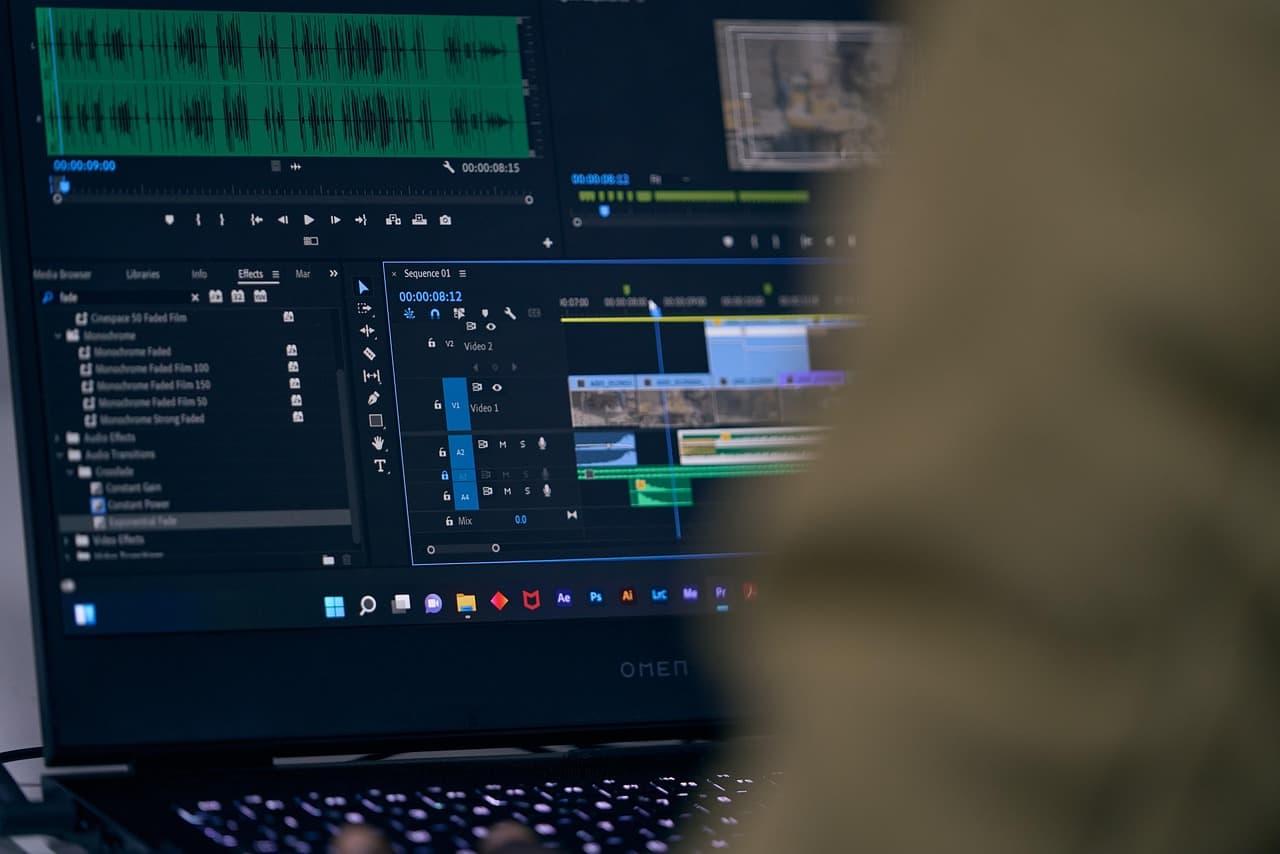
Install the test extension for your language
- Python: install the Python extension, then add the test framework your team uses.
- JavaScript or TypeScript: install the extension that matches your test runner.
- Java, C# or Go: install the language support your team recommends, then reload the window.
- Any language: open Extensions with ⇧⌘X, search for the framework name, and read its README first.
Open the Testing view after the install. Test Explorer lists the tests the extension found in your workspace. If the list is empty, check two things. Make sure you opened the project root, and reload the window from the Command Palette.
Why Test Explorer shows nothing
Use the Command Palette when a fix does not stick. Press ⇧⌘P, type Developer: Reload Window, and press Return. The window restarts and loads the new settings. Doing this after you change a test setting saves a lot of confusion.
Keyboard shortcuts for testers on Mac
Learn four shortcuts before anything else. ⇧⌘P opens the Command Palette, where most testing commands live, including Test Explorer focus and reload. ⌘, opens Settings. ⇧⌘X opens Extensions. ⌘K ⌘S opens the Keyboard Shortcuts editor. VS Code's testing and keybinding docs list these.
| Shortcut | What it does | Why testers use it |
|---|---|---|
| ⇧⌘P | Command Palette | Reach test commands, focus Test Explorer, reload the window |
| ⌘, | Settings | Change editor and extension settings |
| ⇧⌘X | Extensions view | Install or check the test extension for your language |
| ⌘K ⌘S | Keyboard Shortcuts editor | Bind a key to a test command |
| ⌘; then ⇧⌘I | Toggle inline coverage | See covered lines in the editor |
Shortcuts can fail without an error. VS Code's keybinding docs warn that a combo may not register when macOS or another app already uses it. Right-click any UI action and choose Configure Keybinding to change it. Then use Show Same Keybindings to find clashes.
Run and debug a failing test in VS Code
Run one failing test, not the whole suite. Click the play button beside the test in Test Explorer, or use the run icon in the gutter next to the test function. The result shows inline next to the code. A narrow run is faster and easier to read.

When the test fails, debug it. Set a breakpoint in the test or in the code under test. Choose debug from Test Explorer or the gutter. Add watch variables to see values change as the code runs. The testing docs describe breakpoints and watch variables for tests.
Read the failure before you file it
Read the assertion message first, then the line number, then the captured output. Many bugs look like test bugs at first. Check whether the expected value is wrong. A wrong expectation is still a finding, but it goes to a different owner than a broken feature.
A worked example: a login test that fails
Say the login test fails after a developer merges a change. Open the project root, find the test in Test Explorer, and run only that test. The inline result shows which assertion failed and on which line.
Set a breakpoint on the line that reads the session value, then debug the test. Watch the variable as the code runs. If the value is right and the check is wrong, the test is at fault. If the value is wrong, you have a real bug.
If the error text is hard to read, hold the Lazur shortcut with the error on screen. Lazur answers out loud and explains the message in plain words. You still decide the next step, and you check the explanation against the code.
Check code coverage without guessing
Coverage shows which lines a test run touched. It does not show that the tests check the right results. The VS Code testing docs describe a Test Coverage view, a gutter overlay, percentages in Explorer and a diff editor view. Turn on inline coverage with ⌘; then ⇧⌘I to see covered lines in the editor.
- Run the tests with coverage from the Testing view.
- Open the Test Coverage view and find the files with the lowest coverage.
- Open one low file and look at the gutter. Covered and uncovered lines look different.
- Write a test for one uncovered branch, run again, and compare the results.
Treating full coverage as finished work is a common mistake. A line can run with a wrong value and still count as covered. Use coverage to find gaps, then check that each test asserts a real result.
Mistakes software QA testers make in VS Code
- Installing VS Code and expecting Test Explorer to work with no extension.
- Opening a subfolder, so the test config is out of view.
- Trusting a shortcut that another app already claims.
- Reading coverage as proof that the behavior is correct.
- Running the whole suite when one test would show the bug.
- Leaving test passwords or customer data on screen when you ask Lazur a question.
Write bug reports developers can act on
A useful bug report needs the steps, the expected result, the actual result and the build you tested. VS Code helps with the build. Open Code > About to read the version. Add the failing test name and the error text too, so the developer does not hunt for them.
Draft the report in your tracker, not inside the code. Keep the steps in plain words that another person can follow. Name the file and the test. A short, exact report gets fixed faster than a long one full of guesses.

Why time pressure makes testing harder
Testers feel the squeeze. Katalon's 2025 quality work points to time and workload as top problems. Its blog cites 55% of respondents who name insufficient time as a challenge, and 44% who name high workload.
The vendor report adds more context. It says 56% of QA teams still struggle to keep up with testing demands. It also says happy testers are 1.4x more likely to adopt automation than unhappy testers.
Katalon sells test automation, so read these figures with care. Its blog reports up to 82% of testers still use manual testing day to day. The blog cites a survey of 1,400 QA professionals, and the report page says more than 1,500. Treat the exact figures as directional.
Where Lazur helps while you test
Lazur is a voice assistant for the Mac that lives in the notch. Hold ⌥ ⌘ to ask about anything on screen, and Lazur answers out loud. It sees your screen and points at things. It does not click buttons, edit files or run your tests.
Ask where something is. Lazur draws a circle and a label around it, so you find the Testing view or the Test Coverage view faster. Ask how to do something, and Lazur guides you one click at a time, waiting for each click.
Dictate and draft around your test runs
Hold fn to dictate a bug summary at the cursor in any app. Lazur formats the text and types it where your cursor sits. A personal dictionary helps with product names and test IDs that a spell checker does not know.
Ask Lazur to draft a summary when you need clean wording. Give it the facts you have, then edit the draft. Lazur drafts and types text. It does not decide what the bug is for you.
Privacy and what stays on your Mac
Lazur listens and looks at the screen only while you hold the shortcut. Audio and the screenshot go to AI providers so they can answer. They are not stored. Content is never used to train AI models. Your memory of what you asked stays on the Mac.
Platform and pricing for QA testers
Lazur runs on macOS, on Apple silicon and Intel Macs. Windows is planned, not available. There is a Pro trial that needs no credit card. It starts when you first open the app. Plan details live on the pricing page.
Lazur is not a plugin or add-in for VS Code or any other app. It has no partnerships with app makers. It works next to the editor, so your own setup stays as it is. For the editor on its own, read the VS Code app page. For developer setup, read VS Code for developers on Mac.
Your first week with VS Code as a tester
- Install the test extension for your language and confirm Test Explorer lists your tests.
- Bind one key to a test command in the Keyboard Shortcuts editor.
- Run one failing test, then debug it with a breakpoint.
- Write one bug report with the steps, expected result, actual result and build.
- Try a point request on the Testing view once you have the app.
When you are ready, get the app from the download page. Start with a point request, then move to explain requests when an error confuses you.
Questions people ask
Does VS Code run well for software QA testing on a Mac?
Yes. VS Code ships macOS builds for Apple silicon and Intel. The current stable release is 1.145. Testing features depend on a language extension, so install that first.
Why is Test Explorer empty in VS Code on Mac?
Usually the test extension is missing, or you opened a subfolder instead of the project root. Install the extension for your language, open the root folder, and reload the window.
Does VS Code have a built-in test runner?
The testing docs describe Test Explorer, gutter run controls and coverage. Those depend on language-specific testing extensions, so plan on installing one for your stack.
Can Lazur run my tests for me?
No. Lazur guides, points, explains and drafts text. It does not click buttons or operate other apps for you. Run the tests yourself, then ask Lazur to explain the result.
Does Lazur only work inside VS Code?
No. Lazur works in any app on the Mac. Hold Option and Command to ask about what is on screen. Lazur is not a plugin or add-in for any app.
Is Lazur available for Windows testers?
Not yet. Windows is planned, but it is not available. Lazur runs on macOS, on Apple silicon and Intel Macs.
Does my screen go to an AI provider when I use Lazur?
Lazur listens and looks at the screen only while you hold the shortcut. Audio and the screenshot go to AI providers to answer, and they are not stored. Hide secrets first.
How do I find the shortcut for a test command in VS Code?
Open the Command Palette with ⇧⌘P and search for test. To bind your own key, open the Keyboard Shortcuts editor with ⌘K ⌘S, then search for the command.
Does VS Code have a re-run failed tests button?
The VS Code testing docs do not describe one. Some test extensions may offer it. Check your extension's docs before you depend on it.
Sources
- Testing: Visual Studio Code docs · Microsoft · checked 2026-11-07
- Visual Studio Code 1.145 release notes · Microsoft · checked 2026-11-07
- January 2026 (version 1.109) release notes · Microsoft · checked 2026-11-07
- Keyboard shortcuts: Visual Studio Code docs · Microsoft · checked 2026-11-07
- Test Automation Statistics & Trends for 2025: Katalon · Katalon (vendor) · checked 2026-11-07
- State of Software Quality Report 2025: Katalon · Katalon (vendor) · checked 2026-11-07
Try Lazur free for 3 days
Hold a key and ask. Lazur sees your screen, points at the button and talks you through it, in any Mac app. No credit card.