
Nurses · problem and fix
Patient education handout reading level on Mac: how to check and fix it in Word
Most patient education material for chronic conditions reads above the sixth-grade target. You can check the reading level of your own handout in Microsoft Word on a Mac, then rewrite the lines that push the score up. This page shows how, why handouts run hard, and fixes that need no new purchase.
The short answer
- Word for Mac can show readability statistics after one setting change in Preferences.
- Microsoft suggests a grade of 7.0 to 8.0 for general documents. Patient material should aim lower, at the sixth-grade target.
- Most online chronic-condition material in one review scored above sixth grade. Templates read easier, but they still need patient testing.
- A score measures sentence and word length. Only a real reader can show whether the handout works.
What simplifying patient handouts costs you
Patients who cannot follow the plan
Low health literacy is common. In the 2003 national assessment, about 36% of US adults scored at basic or below basic. A handout written above that level leaves many patients guessing about doses, timing, and warning signs.
Calls and return visits
Unclear handouts bring patients back with questions. Those calls and return visits use the same minutes you need for your shift. The sources here do not give a cost per call, so this page does not put a price on them.
National spending on low health literacy
Georgetown's Health Policy Institute estimates low health literacy adds about $73 billion in health care expenditures. That figure is in 1998 health care dollars, and it covers low health literacy overall, not handouts alone.
Time you do not have
A time-motion study on one medical-surgical unit found nurses spent about 25% of their time on documentation. Rewriting a handout competes for the same minutes. Block a short, fixed time for it, or it will not happen.
Why it happens
Source material written for clinicians
Many handouts start from pages written for doctors or industry. In one review of 2,590 materials, the mean grade level was 10.8, with a range from 0 to 19. Nobody set out to make them hard. The source text was simply written for a different reader.
Long sentences and medical vocabulary
Flesch-Kincaid counts sentence length and word length. Medical terms are often long words. Instructions that stack clauses with and, which, and unless push the grade up fast. Each extra clause adds load for a tired reader.
Templates with no patient input
A non-randomized comparison at Brigham and Women's looked at 233 discharged patients. Templated instructions averaged a grade of 5.6, against 7.6 for clinician-generated ones. The authors noted no patient input in template development, so templates still need testing.
Charting pressure
A time-motion study found EHR charting was the top hands-on task, at 31.63 minutes per four-hour observation. When charting takes that much time, a handout gets a copied paragraph instead of a rewrite.
Low health literacy in the audience
About 36% of US adults had basic or below basic health literacy in 2003. Writing at a level most readers can handle is a safer default. It is not an insult to the reader.
No reading check in the workflow
If your unit has no reading check, nobody owns the number. A handout goes to print with whatever wording it started with. Adding one check step to the printing routine puts an owner on the number.
How to fix it
These work with or without any app.
Score the handout in Word
Use Word > Preferences > Spelling & Grammar, then Review > Spelling & Grammar, to read the score. If your facility already gives you Word, the check adds no cost. Score the whole document and keep a record of both numbers.
Rewrite one sentence at a time
Start with the longest sentence in each section. Cut it to one idea. Put the action first and use plain words for tests, medicines, and body parts. Then score again and move to the next section.
Keep the facts, cut the filler
List the facts you must keep: doses, times, warning signs, and who to call. Copy them exactly as your prescriber wrote them. Remove phrases that add length without meaning, such as in order to and due to the fact that.
Use a patient-reviewed template
Build one template for each common handout, then have a patient or family member review the draft. The Brigham study found templates read easier, but its authors noted no patient input. Patient review fills that gap for the cost of time.
Ask for teach-back
After you explain a step, ask the patient to say it back in their own words. If they miss a line, rewrite that line and try again. This test costs only the minutes it takes, and it needs no software.
Read the handout aloud to a colleague
Ask someone outside nursing to read the handout aloud while you listen. Mark each word or line that causes a stumble. Those are the lines to rewrite first, even if the score looks fine.
Check translations separately
Do not assume a translated handout reads as well as the English one. Ask your interpreter services team to review the translation and to explain how they check reading level. Keep the English and translated versions in sync.
Keep a before and after record
Save the original, the rewritten copy, and both scores in one folder. Note the date and who approved the final wording. A record shows what changed and why, and it helps the next person who edits the handout.
What the reading level number measures
A reading level is a score built from sentence length and word length. Flesch-Kincaid turns those counts into a school grade, so a lower grade means easier text. The score does not measure whether a patient understands the medical idea.
Word shows two numbers. Flesch Reading Ease runs higher for easier text. Flesch-Kincaid Grade Level gives a grade, and lower is easier. Read both, because each one catches different problems.
Treat the score as a warning light, not a verdict. A low score can still hide a confusing instruction. A high score tells you the page needs a closer look.
Why most patient handouts read too hard
The problem is rarely carelessness. Handouts get copied from older materials, written for clinicians, or built from medical vocabulary. Each source adds long sentences and hard words, and nobody checks the total.
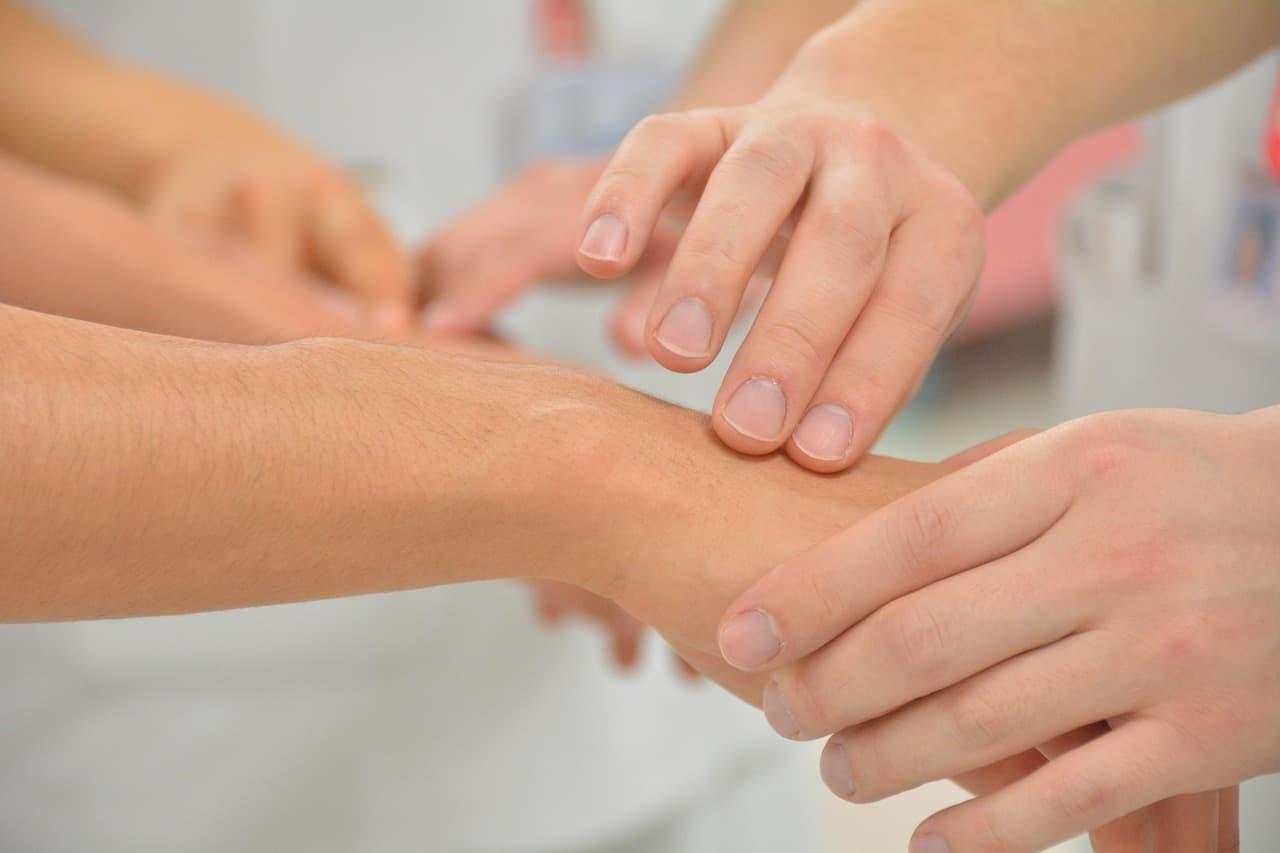
A large review of online patient education material for chronic conditions found the same pattern. It covered 2,590 materials from 55 associations across ten chronic condition clusters.
95.3%
of 2,590 chronic-condition patient education materials scored above the 6th grade level
Assessment of the Readability and Quality of Online Patient Education Material for Chronic Medical Conditionsabout 36%
of US adults had basic or below basic health literacy in the 2003 national assessment
The Health Literacy of America's Adults: Results from the 2003 National Assessment of Adult Literacy5.6 vs 7.6
average grade level of templated discharge instructions versus clinician-written ones
Readability of patient discharge instructions with and without disease-specific templatesThose numbers describe published materials, not your unit's handouts. Your handout may score better or worse. Only a check tells you which.
How to check readability statistics in Word for Mac
Word has a readability tool built in, and it is the simplest check most nurses can reach. Menu paths change with the version, so confirm them against Microsoft's page before you rely on them. Microsoft lists Word for Mac 2024, 2021, 2019 and 2016 as supported.
- Save a copy first. Press ⇧ ⌘ S, then give the copy a new name, so the original stays untouched.
- Open Word > Preferences > Spelling & Grammar.
- Tick Show readability statistics, then close Preferences.
- Choose Review > Spelling & Grammar and let the check finish. Word then shows the readability statistics.
- On Microsoft 365, you may find Home > Editor > Document stats instead. Microsoft lists it for Current Channel customers, so ask IT if it is missing.
Read the statistics box before you edit. Write down both scores for the original. Those two numbers are your starting point and your before and after record.
| Measure | Microsoft's suggested range | How to use it for a handout |
|---|---|---|
| Flesch Reading Ease | 60 to 70 for most standard files | Higher is easier. Aim high in your handouts. |
| Flesch-Kincaid Grade Level | 7.0 to 8.0 for most documents | Lower is easier. Patient material should aim lower still. |
| Patient material target | Sixth grade, per CDC and NIH as cited in the review | Use this as your stricter goal for patient handouts. |
Microsoft's ranges are for general documents. Patient material should aim lower. Use the sixth-grade target as your goal and Microsoft's range as a sanity check.
A worked example: rewriting one instruction
Here is a line of the kind that shows up in discharge packets. Before: Ambulation should be initiated gradually following discharge to reduce the risk of falls. After: Start walking a little at a time after you get home. This lowers your chance of falling.
The rewrite swaps a clinical verb for a plain one, moves the action to the front, and splits one long sentence into two short ones. The instruction stays the same. Have the prescriber or unit educator approve the final wording.
Run the score again on the new version. If the grade does not drop, look for the next long sentence. Then check the text against the chart and your facility's approved wording. Plain does not mean looser.
Simplify without losing the medical facts
A simpler handout still has to carry the dose, the timing, the warning signs, and who to call. Keep those facts exact. Simplify the words around them, not the facts themselves.
- Put the action first. Write Take the tablet at bedtime, not At bedtime, the tablet should be taken.
- Keep one idea in each sentence. Split sentences at and, which, and because when they join two ideas.
- Swap clinical terms for plain words, then keep the clinical term in brackets once so staff can match it.
- Use the same name for each medicine and test throughout. Changing names confuses readers and caregivers.
- Write units in full the first time, such as milligrams, not mg.
- Set warning signs as short bullets. Readers scan for them first.
- Use headings as questions patients ask, such as When should I call my nurse?
Mistakes that keep handouts hard to read
- Scoring only the first paragraph. Check the whole handout, including tables, headers, and the footer.
- Trusting the score as proof. Flesch measures length, not understanding.
- Cutting facts to lower the score. A shorter handout that drops a warning sign is worse than a longer one.
- Copying a template without checking it. A template can read well and still describe the wrong procedure for your unit.
- Scoring an old draft. Re-run the check on the exact version you print.
- Assuming a translation inherits the score. Ask your interpreter services team how they check translated handouts.
Where Lazur helps while you rewrite
Lazur is a voice assistant for the Mac that lives in the notch. Hold ⌥ ⌘ to ask about anything on screen, and Lazur answers out loud. It looks at the screen only while you hold the shortcut.
Lazur helps with the menu search and the explaining. Ask where Spelling & Grammar sits, and it circles the setting and labels it. Ask for the steps, and it guides you one click at a time, waiting for each click.
Lazur does not click buttons, edit files, or run Word for you. You tick the box, run the check, and make the edits. Lazur can explain the readability panel and draft a plainer sentence for you to review.
If your handout lives in Google Docs, the Word steps here do not apply. This page did not verify a readability tool inside Google Docs, so do not assume one exists there. Check with your IT team first.
Patient data and employer rules
Your employer sets the rules for patient data. Follow them before you open a handout with a name, date of birth, or record number on screen. Ask your privacy or IT team whether the tool is allowed on your device.
Lazur listens and looks at the screen only while you hold the shortcut. Audio and the screenshot go to AI providers to answer and are not stored. Content is never used to train AI models. These facts do not replace your employer's policy.
Test the handout with a real reader
Digital.gov says content should be written for a specific audience and tested so that audience understands it. A reading score cannot run that test for you. Only a real reader can.
Ask a patient or family member to explain the instructions back to you in their own words. Mark each line they get wrong. Those lines need a rewrite, even when the score looks fine.

Ask a colleague outside nursing to read the handout aloud. Mark every word they stumble on, then swap those words. Run the score again once the swaps are done.
Where the evidence is thin
The research behind this page is stronger on readability than on patient outcomes. The discharge study was observational, ran at one site, and was not randomized. It shows a gap in the text, not better understanding.
The review of 2,590 materials looked at online chronic-condition material, not your unit's handouts. The health literacy figures come from a 2003 national assessment of adults. They describe adults in general.
The sources reviewed here did not tie handouts to medication errors or nurse burnout. Do not claim those links in policy or staff training without stronger evidence.
A simple standard for your unit
Pick the handout patients ask about most. Score it, rewrite it, test it with a patient and a colleague, then score it again. Keep both scores with the approved copy.
Once one handout works, repeat the steps on the next one. Teaching the steps to one colleague does more good than polishing one page perfectly.
Faster with Lazur
Where Lazur helps with simplifying patient handouts
Hold ⌥ ⌘ and say what you want. Lazur sees your Word window. Lazur draws a circle and a label around the button or menu you need.
- 1
Hold ⌥⌘ and talk
- 2
Lazur draws a circle and a label around the button or menu you need.
- 3
You stay in Word. Nothing to copy into a chat window.
More things to say in Word
- “Show me where Show readability statistics is in Word's Preferences.”
- “Walk me through running the readability check in Word.”
- “What does this Flesch-Kincaid grade number mean for my handout?”
- “Draft a plainer version of this sentence for me to check.”
- “Hold fn to dictate a rewritten line into the handout.”
Free for 3 days, then $18/month. Download for Mac
You say“Where do I turn on readability statistics in Word?”
Lazur · points at itLazur circles the Show readability statistics checkbox and labels it. You tick it yourself, then run the check.
What nurses say to Lazur for this
Each one is a single hold of ⌥ ⌘.
“Show me where Show readability statistics is in Word's Preferences.”
Lazur circles the checkbox and labels it on screen. You tick it yourself.
Points at it
“Walk me through running the readability check in Word.”
Lazur guides you one click at a time and waits for each click before the next step.
Walks you through it
“What does this Flesch-Kincaid grade number mean for my handout?”
Lazur reads the readability panel on your screen and explains the number out loud.
Explains what's on screen
“Draft a plainer version of this sentence for me to check.”
Lazur drafts and types a plainer line. You check it against the chart and approved wording before anyone uses it.
Drafts it
“Hold fn to dictate a rewritten line into the handout.”
Dictation types clean text where your cursor sits, so you can speak a line and review it on screen.
Types what you say
A plan you can start this week
- Day 1
Score one handout
Pick the handout patients ask about most. Save a copy, turn on readability statistics in Word, and run the check. Write down both scores and the sentence with the highest grade.
- Day 2
Mark the hard lines
Read the highest-scoring paragraphs out loud. Circle long sentences, stacked clauses, and words you would not say to a patient. Mark the facts you must keep exactly as written.
- Day 3
Rewrite in short sentences
Rewrite one section at a time. Put the action first, split long sentences, and use plain names for tests and medicines. Keep doses, times, and warning signs as your prescriber wrote them.
- Day 4
Test with real readers
Ask one patient or family member to explain the instructions back to you. Ask one colleague outside nursing to read the handout aloud. Note every line that causes a pause or a wrong answer.
- Day 5
Score it again and file it
Run the check on the final version and compare it with the original. Have your educator or prescriber approve the wording. Save the approved copy with both scores for your unit.
Questions people ask
What reading level should a patient handout be?
Many guidance documents cited in the research use a sixth-grade target for patient materials, attributed to CDC and NIH. Microsoft suggests a grade of 7.0 to 8.0 for general documents, which is looser. Check what your facility and educators use, and aim for the stricter target when you can.
Does Word's score show whether patients understand the handout?
No. Flesch-Kincaid measures sentence length and word length. It cannot tell you whether a reader understands the medical idea. Test the handout with a real reader to check understanding.
Why don't I see Document stats in my Word?
Microsoft lists Document stats under Home > Editor only for Microsoft 365 customers on the Current Channel. If you do not see it, the Preferences path may still work. Ask your IT team which update channel your Mac uses.
Can I paste a patient's name into Lazur to check a handout?
Follow your employer's rules first. Lazur listens and looks at the screen only while you hold the shortcut. Audio and the screenshot go to AI providers to answer and are not stored. Use a blank or de-identified copy when you can.
Does Lazur check the reading level for me?
Lazur can see the readability panel on your screen and explain what the numbers mean. Word produces the scores. Lazur does not click buttons for you, so you run the check yourself.
Will a simpler handout protect me legally?
Do not assume it does. Ask your risk management or policy team what documentation your facility requires for patient instructions. Plain wording is one part of safe instruction, not a legal shield.
Can I use this method for handouts in other languages?
Flesch formulas were built for English text. For translated handouts, ask your interpreter services team how they check reading level. Do not assume an English score transfers to the translation.
Sources
- Assessment of the Readability and Quality of Online Patient Education Material for Chronic Medical Conditions · PubMed Central (NIH) · checked 2026-11-07
- The Health Literacy of America's Adults: Results from the 2003 National Assessment of Adult Literacy · IES / NCES · checked 2026-11-07
- Low Health Literacy Skills Increase Annual Health Care Expenditures by $73 Billion · Georgetown University Health Policy Institute · checked 2026-11-07
- Nurses' Time Allocation and Multitasking of Nursing Activities: A Time Motion Study · PubMed Central (NIH) · checked 2026-11-07
- Readability of patient discharge instructions with and without the use of electronically available disease-specific templates · PubMed Central (NIH) · checked 2026-11-07
- Get your document's readability and level statistics in Microsoft Word · Microsoft Support · checked 2026-11-07
- Plain Language · Digital.gov · checked 2026-11-07
Fix simplifying patient handouts with Lazur, free for 3 days
Hold a key and ask. Lazur sees your screen, points at the button and talks you through it, in any Mac app. No credit card.