
Lazur for product managers
AI assistant for product managers on Mac: voice help across Slack, Notion, and docs
Lazur is a voice AI assistant for product managers on Mac. It lives in the notch, looks at your screen only while you hold the shortcut, and answers out loud. This page covers where a product manager's day goes, a realistic day with Lazur, and the jobs a voice assistant does well and badly.
You say“Lazur, what did we decide in this thread, and who owns the next step?”
Lazur · explains what's on screenLazur reads the visible thread, says the decision and the owner out loud, and points at the reply so you can check it.
Quick answer
- Lazur is a voice assistant for the Mac. Hold ⌥ ⌘ to ask about anything on screen, and it answers out loud.
- Product managers spend most of their time on communication and tactics. One 2019 survey put strategic work at 27%.
- Lazur helps with the small, repeated jobs: summarizing threads, finding controls, drafting replies, and dictating updates.
- It does not click for you, and it does not make roadmap calls. Follow your company's rules on customer and confidential data.
27%
of product professionals' time went to strategic activities in a 2019 Pragmatic Institute survey
Pendo blog: Tactical vs. Strategic, 2019 survey73%
went to tactics in the same 2019 survey of product professionals
Pendo blog: Tactical vs. Strategic, 2019 survey8.8 hours
a week on email for the heaviest 25% of Microsoft 365 email users in 2023
Microsoft WorkLab: Work Trend Index 202357%
of average time in Microsoft 365 apps went to communicating in meetings, email, and chat in 2023
Microsoft WorkLab: Work Trend Index 2023Where the day goes for product managers
Meetings and messages fill the hours
Microsoft's 2023 data put 57% of average time in its apps on communicating. Meetings, email, and chat take most hours before any spec gets written.
Strategy gets the leftovers
A 2019 Pragmatic Institute survey, as summarized by Pendo, found product professionals spent 27% of their time on strategic work.
Email never fully empties
The heaviest 25% of email users spent 8.8 hours a week on email in 2023. Cross-role data, but it matches how a PM inbox feels.
Decisions hide inside threads
Decisions get made in Slack threads and then lost. Searching for them again costs time, and the answer is often in the middle of a long thread.
Teams lack time to plan
Nearly half of product teams lack enough time for strategic planning, roadmap work, or data analysis, according to Atlassian's 2026 State of Product.
A product manager's day with Lazur
Real things to say. Each one is a single hold of ⌥ ⌘.
- 08:40
“Lazur, what changed in our launch channel overnight?”
Lazur reads the visible channel, names the threads that need a decision, and answers out loud. Scroll first if the thread is long.
Explains what's on screen
- 09:15
“Remind me to send the pricing note before the 11:00 review.”
Lazur adds an Apple Reminders item with the time you named, so the task is not lost in a thread.
Handles the small stuff
- 10:05
“Where is the filter for unassigned tickets?”
Lazur draws a circle and a label around the filter on your screen. You click it yourself.
Points at it
- 11:00
“Walk me through adding a status property to this Notion database.”
Lazur guides you one click at a time and waits for each click before the next step.
Walks you through it
- 13:20
“Dictate: scope on the import feature is narrower and the launch date holds.”
Lazur types clean text at your cursor. Read it before you send it to anyone.
Types what you say
- 14:30
“Draft a reply to Priya saying the review moves to Thursday. Keep it to three lines.”
Lazur drafts the reply and types it into the box you have open. You check the wording and send it.
Drafts it
- 16:10
“Research how three competitors describe their import feature, with sources.”
Lazur runs the job in its own Chrome tabs and returns a summary and a report. Check each source before you cite it.
Researches in the background

Where a product manager's day really goes
Nobody has measured this for product managers alone, so treat every number here as a proxy. The best data comes from the wider knowledge-work world. In 2023, Microsoft studied about 31,000 full-time workers across 31 markets, using activity data from Microsoft 365. On average, communication took 57% of their time. Creating documents, spreadsheets, and presentations took 43%.
That split fits how product work feels. Meetings, Slack threads, and email fill the calendar. Specs, roadmaps, and analysis wait for the gaps. A 2019 Pragmatic Institute survey, summarized by Pendo, put numbers on this. Product professionals spent 27% of their time on strategic activities. The other 73% went to tactics.
Pendo's summary covers nearly 2,500 respondents. Pendo is the source here, not the original report, so read the split as a snapshot. Newer data points the same way. Atlassian's State of Product 2026 says nearly half of product teams lack enough time for strategic planning, roadmap development, or data analysis.
How email and meetings eat a product manager's week
Microsoft's data puts numbers on the drain. The heaviest 25% of email users spent 8.8 hours a week on email in 2023. The heaviest 25% of meeting users spent 7.5 hours a week in meetings. These are cross-role figures, so compare them with your own calendar, not with a PM average.
Check your own week before you change anything. Open Calendar and count meeting hours from Monday to Friday. Then open System Settings and check Screen Time. Sort the rest of your time into three piles: reading, writing, and waiting. The waiting pile is where a voice assistant helps most.
Apple Mail does some of the sorting for you. Apple's Mail User Guide for macOS 27 says Mail groups messages into categories such as Primary, Transactions, Updates, and Promotions. It also offers sender blocking, Writing Tools, and a way to mark emails to revisit later. Use the revisit option for threads that need a decision next week.
Outlook users need one more check. Microsoft says legacy Outlook for Mac stops working with Exchange Online mailboxes in October 2026. Exchange Online retires Exchange Web Services on October 1, 2026. Mailboxes on Exchange On-Premises keep legacy Outlook until October 9, 2029, with security updates only. To switch, turn off the Legacy Outlook toggle.
Here is a worked example. A stakeholder emails you about pricing twice a day. Open the thread on screen and hold ⌥ ⌘. Ask 'What is still open in this thread?' Lazur answers out loud. Then hold fn and dictate a three-line reply. Read it, fix any names, and send it yourself.
Slack and Notion for product managers: answers without the scroll
Slack is where decisions get made and then lost. A long thread can hide one decision in the middle. Scroll to the part you care about. Then hold ⌥ ⌘ and ask what was decided and who owns the next step. Lazur reads what is on your screen and answers out loud.
Consider a launch thread that runs for three days. On day three, you need to know what changed since Monday. Scroll back to Monday, hold ⌥ ⌘, and ask for changes only. Short, specific questions get short, useful answers. Broad questions get long answers you still have to check.
Notion holds the PRD, the roadmap table, and the meeting notes. You may still forget where a setting lives. Ask Lazur to point. It draws a circle and a label around the control, so you know where to look. If you need steps, ask it to guide you. It waits for each click before it moves on. More detail is in AI assistant for Notion on Mac.
Dictation for PRDs, status updates, and launch notes
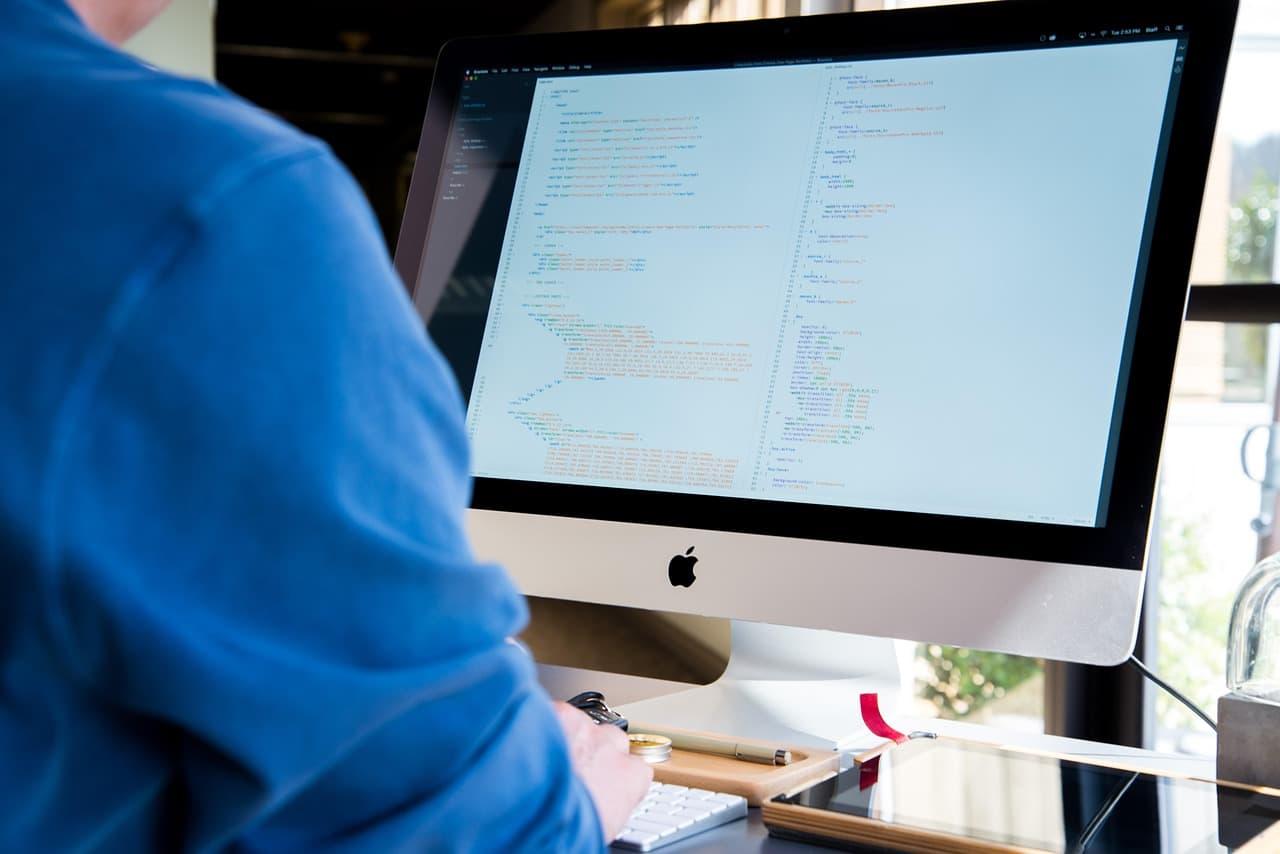
Writing a spec from a blank page is slow for most people. Talking it out is often faster. Hold fn in any app and talk. Lazur dictates clean, formatted text at the cursor. Add product names to your personal dictionary, so the spelling comes out right the first time.
Snippets handle repeated text. Save your status update header once, then insert it by name. Clipboard slots hold a few items you reuse, such as a standard launch checklist. Set these up before a busy week, not during one.
Run the speaking vs typing test to compare your speaking pace with your typing pace. It takes a minute and shows your own numbers, not an average.
Dictation skips the editing step. Dictation can misspell names and acronyms, so check product names and ticket IDs before you send. Read every line once, as if a stakeholder were reading it for the first time.
Competitor checks without a pile of open tabs
Competitive research takes whole afternoons. Lazur can run research jobs in its own Chrome tabs through the Lazur for Chrome extension. It comes back with a summary and a report. You can read the report while you finish the spec.
Ask narrow questions. 'How does each competitor describe its import feature, with a link to the help page?' works better than 'research the market.' Check each competitor's own pricing page for current prices, because prices change.
Treat AI summaries as leads. Open the source for any claim you plan to repeat in a deck. Record the URL and the date you read it. A summary without a link is a hint, not evidence.
What Lazur does not do for you
Lazur does not click buttons, edit files, or operate other apps for you. It is not a plugin or add-in for any app. Lazur has no partnership with any app maker. When it guides you, you still make every click.
| Task on your Mac | Lazur capability | What you still do |
|---|---|---|
| Find a control in Notion | point | Click it yourself |
| Follow a multi-step setting | guide | Make each click |
| Summarize a long Slack thread | explain | Decide, reply, and own the follow-up |
| Dictate a status update | dictate | Read it and send it |
| Research competitor pages | research | Check each source before you cite it |
That limit matters for PM work. A roadmap bet still needs your judgment. Lazur can draft the memo, but you choose the bet and own the call.
Customer data and company rules for AI on Mac
Lazur listens and looks at the screen only while you hold the shortcut. Audio and the screenshot go to AI providers to answer you. They are not stored. Content is never used to train AI models.
Your company still decides what leaves the building. Customer records, unreleased pricing, and board material often fall under contracts or internal policy. Read your employer's AI and data rules before you ask about a screen full of customer data.
Mistakes product managers make with AI assistants
- Asking for strategy before you have the facts. Put the context on screen first, then ask.
- Trusting a thread summary you never read. Scroll to the disputed part and ask about that part.
- Dictating a spec straight into a shared doc. Read it once before anyone else sees it.
- Using the tool to avoid customer calls. Lazur can help you write questions, but you still need to listen.
- Setting up snippets once and never checking them. Review them when your team's template changes.
How to start with an AI assistant this week
- Install Lazur from the download page. Your trial starts when you first open the app.
- Open your current Slack thread, hold ⌥ ⌘, and ask what was decided.
- Open a Notion page, hold ⌥ ⌘, and ask Lazur to point at one setting you cannot find.
- Hold fn once and dictate one short status update. Read it before you send.
- Check pricing once you know how many questions you ask in a normal week.
Start with the three tasks that repeat most in your week. Keep a short note of which answers you trusted and which you checked twice. That note will tell you more than any feature list.
| Strategic activities | 27 % |
|---|---|
| Tactics | 73 % |
Pragmatic Institute 2019 survey, as summarized by Pendo. Not a current product manager study. Source: Pendo blog: Tactical vs. Strategic, 2019 survey
The apps product managers use it in
Questions people ask
Is Lazur only for product managers?
No. Lazur is a voice assistant for the Mac that works in any app. Product managers use it for Slack, Notion, Figma, mail, and docs. The same shortcut works everywhere, so you do not learn a second tool.
Can Lazur update my tickets or docs for me?
No. Lazur does not click buttons or edit files for you. It can point at a control, guide you through steps one click at a time, and draft or dictate text. You make the change.
Does Lazur read my whole Slack workspace?
It works from your screen while you hold the shortcut. Scroll to the thread or part of the page you care about first. Then ask your question.
Is my roadmap or customer data stored?
Lazur listens and looks at the screen only while you hold the shortcut. Audio and screenshots go to AI providers to answer you and are not stored. Check your company's rules before you share customer or confidential data.
Does Lazur run on Windows?
Lazur runs on macOS, on Apple silicon and Intel Macs. Windows is planned, not available.
Is there data on how much time product managers spend in meetings?
Not for product managers alone, in the sources checked for this page. Microsoft's 2023 study covers knowledge workers in general. The 2019 Pragmatic Institute survey covers product professionals, as summarized by Pendo.
Does the Outlook change affect my Mac?
It can. Microsoft says legacy Outlook for Mac stops working with Exchange Online mailboxes in October 2026. That date has passed, so check your version. Switch to the new Outlook for Mac by turning off the Legacy Outlook toggle.
Should I use Lazur instead of a product analytics tool?
No. Lazur is a voice assistant that answers questions about what is on your screen. Keep your analytics tools for numbers and trends. Use Lazur to find the chart, explain a dashboard, or draft the summary.
Sources
- Work Trend Index 2023: Will AI Fix Work? · Microsoft WorkLab · checked 2026-11-06
- Tactical vs. Strategic: Where Product Managers Really Spent Their Time in 2019 · Pendo · checked 2026-11-06
- The State of Product in 2026: Navigating Change, Challenge, and Opportunity · Atlassian · checked 2026-11-06
- Mail User Guide for Mac (macOS 27) · Apple Support · checked 2026-11-06
- End of support for legacy Outlook for Mac · Microsoft Support · checked 2026-11-06
Lazur for product managers: free for 3 days
Hold a key and ask. Lazur sees your screen, points at the button and talks you through it, in any Mac app. No credit card.